Color by Number Generatorprintable worksheets in seconds
Turn any picture into a printable color by number page. Upload a photo or clip art, pick how detailed it should be and download a PDF with numbered areas and a color key — perfect for the classroom, homeschool or a rainy afternoon.
Free · No account · No watermark · Images stay on your device

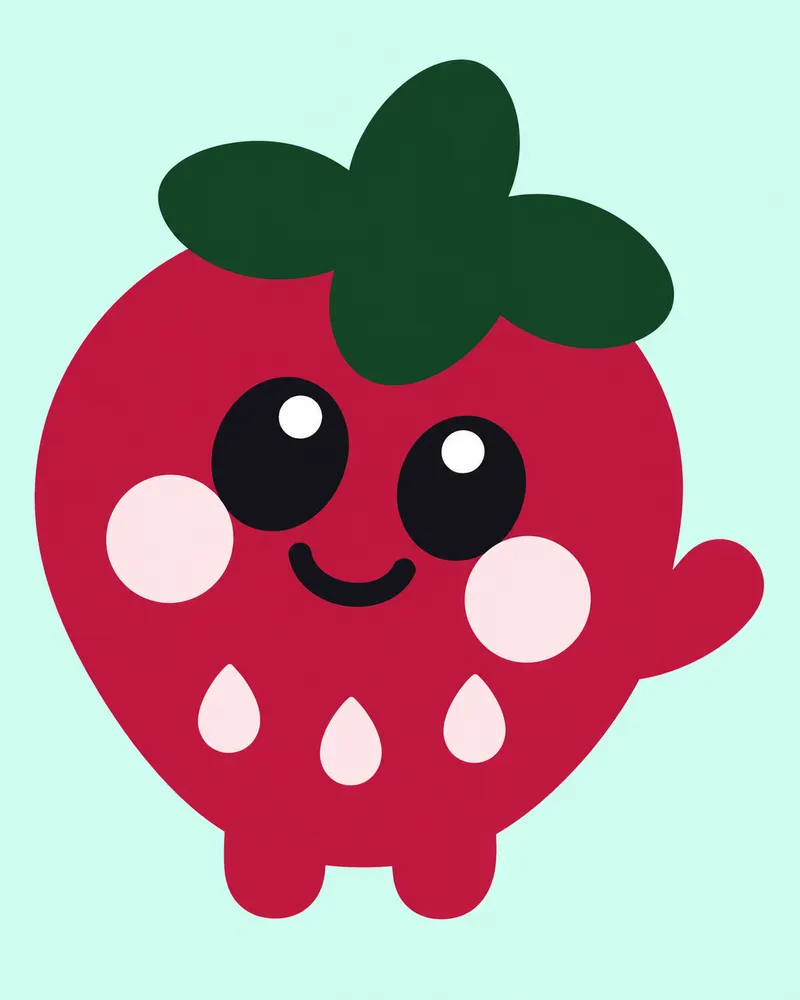
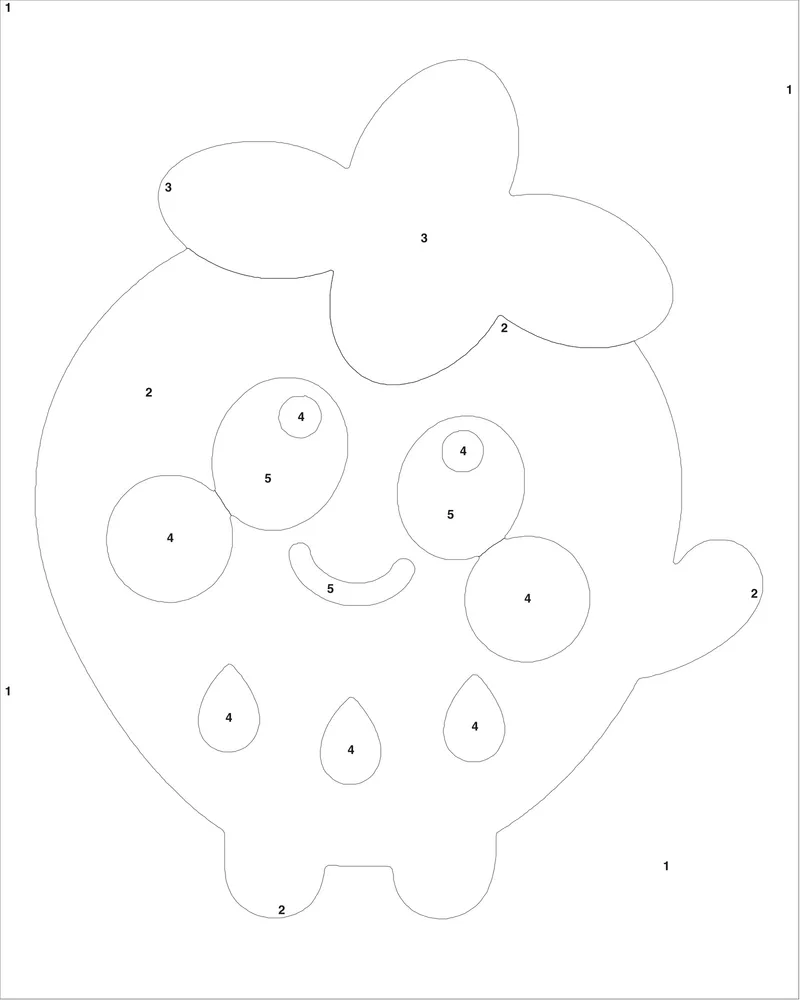
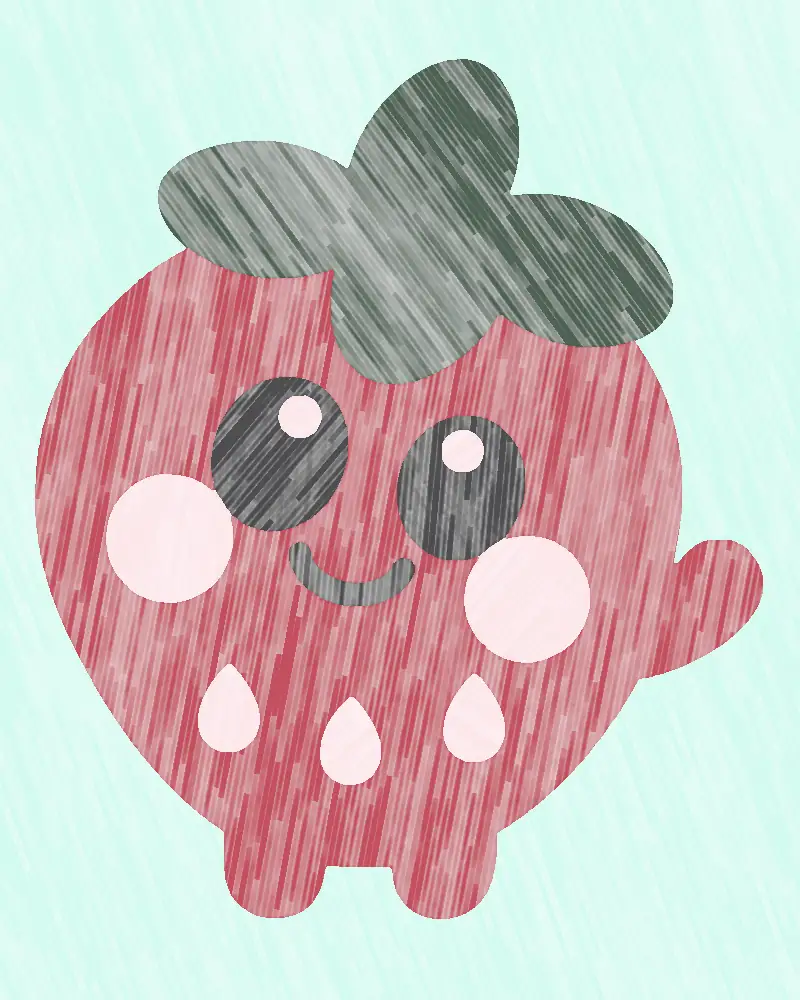
Strawberry: Photo
A color by number maker for teachers and parents
Ready-made color by number printables are everywhere, but they rarely match this week's lesson, your class pet or your child's favorite animal. With Paintoly you make your own color by number sheet from any image you have.
Under the hood it's the same generator we use for paint by numbers: it divides your picture into areas, numbers each one and adds a color key. Whether your students use crayons, colored pencils, markers or paint is up to you.
All processing happens in your browser, so photos of students or classroom projects are never uploaded to a server. There's no account to create and no watermark on the PDF.
Because you control the picture and the level of detail, you can make the same motif easier or harder for different groups — a “Simple” version with few colors for younger learners and a “Detailed” one for older students.
Numbers in, colour out
From cute and simple to detailed: every picture gets its own colour key. The motifs are sample pictures – the template comes straight out of our generator, untouched. The painted version shows exactly its colour areas in a simulated painting style.

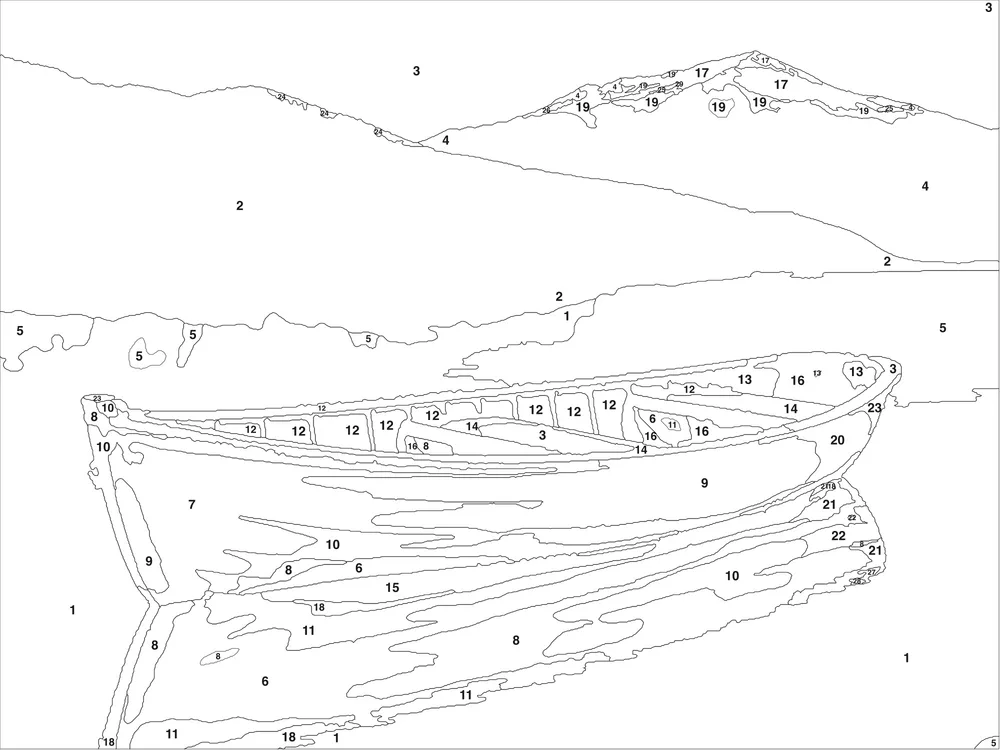

Boat: Photo
Make your own color by number now
Drop an image here — you'll go straight to the generator to choose colors and detail.
Choose a photo or drag it here
Choose photoJPG, PNG, WebP, GIF, BMP, TIFF, HEIC, up to 16 MB. Your photo stays on your device.
How to make a color by number worksheet
Pick an image
A photo, clip art or a simple drawing. Clip art and cartoons with flat colors give especially clean areas.
Choose the level of detail
"Simple" for young kids, "Medium" for older students, "Detailed" for a real challenge. The generator picks the colors to match.
Print the PDF
Download a printable color by number page with numbered areas and a color chart in A4 up to A0.
Which settings fit which age?
| Age / grade | Detail level | Tips |
|---|---|---|
| Pre-K & kindergarten (4–6) | Simple (or expert level 1) | Clip art with flat colors; big areas, few numbers |
| Grades 1–3 (6–9) | Simple | Simple photos of animals or objects work well |
| Grades 4–6 (9–12) | Medium | Portraits, landscapes, class photos |
| Teens & adults | Detailed | Detailed photos, larger prints (A3 and up) |
If a template looks too busy, pick a simpler level or a simpler image. For portraits you can switch off “Faces & fine details” to keep faces coarse, too. Want to limit the crayon box? Expert mode caps the colors at 8, 12, 18, 24 or 30.
Ideas for the classroom and homeschool
Number recognition
Younger kids practice reading numbers 1–6 or 1–8 while they color.
Theme units
Make a color by number for your current topic: animals, planets, seasons, famous buildings.
Class photo project
Turn a group photo into a large poster that the whole class colors together.
Early finishers
Keep a stack of printable color by number pages ready for students who finish early.
Fine motor skills
Coloring small, defined areas trains pencil control — useful practice before handwriting.
Calm-down activity
A quiet, focused task that works well after recess or at the end of the day.
Printing tips
- A4 prints fine on US Letter paper — just select "fit to page" in your print dialog.
- For crayons and colored pencils, regular copy paper is enough. For markers or watercolors, use heavier paper so colors don't bleed through.
- The color key is part of the PDF, so students always have the reference next to their sheet.
- Need a poster? Choose A2, A1 or A0 and print it at a copy shop. Bigger sizes get more and finer areas, perfect for a whole class to color together.
- Print in black and white to save ink — the numbered outlines are what matters.
Color by number vs. paint by numbers
The idea is the same: numbered areas, each matched to a color. "Color by number" usually means worksheets for crayons and pencils, often for kids. "Paint by numbers" usually means more detailed templates for acrylic paint on paper or canvas.
Paintoly does both. Use “Simple” and a clear image for classic worksheets, or “Detailed” and a bigger print size for a detailed painting template. If you want to go further, try the paint by numbers generator or our tips on paint by numbers for kids. No picture at hand? The coloring page generator draws ready-made color by number pages for you.
Color by number generator: FAQ
Yes. You can create and print as many color by number pages as you like. There's no account, no subscription and no watermark.
Yes. Teachers and homeschooling parents can make worksheets from their own images and print as many copies as they need. Make sure you have the right to use the images you upload, for example your own photos or licensed clip art.
No. The image is processed entirely in your browser and never sent to a server or stored.
Yes. Clip art, cartoons and children's drawings have flat colors and clear edges, so they make ideal color by number sheets. "Simple" or "Medium" is usually all they need.
Start with "Simple" for preschool and early grades – it uses few colors and big areas. For the fewest colors, open expert mode and pick detail level 1 or cap the colors at 8. Older students can handle "Medium" or "Detailed".
You can choose A4, A3, A2, A1 or A0. Bigger sizes get more detail, not just bigger areas. A4 prints on US Letter paper with "fit to page" enabled.
Your own printable color by number
From picture to worksheet in seconds — free, private and without signing up.