Pet Paint by Numbersyour dog or cat, for free
Make a paint by number pet portrait from your own photo. Upload a picture of your dog, cat or horse, pick how detailed it should be and download a printable PDF with numbered areas and a color chart – in seconds.
No account · Photo stays on your device · No watermark · Free
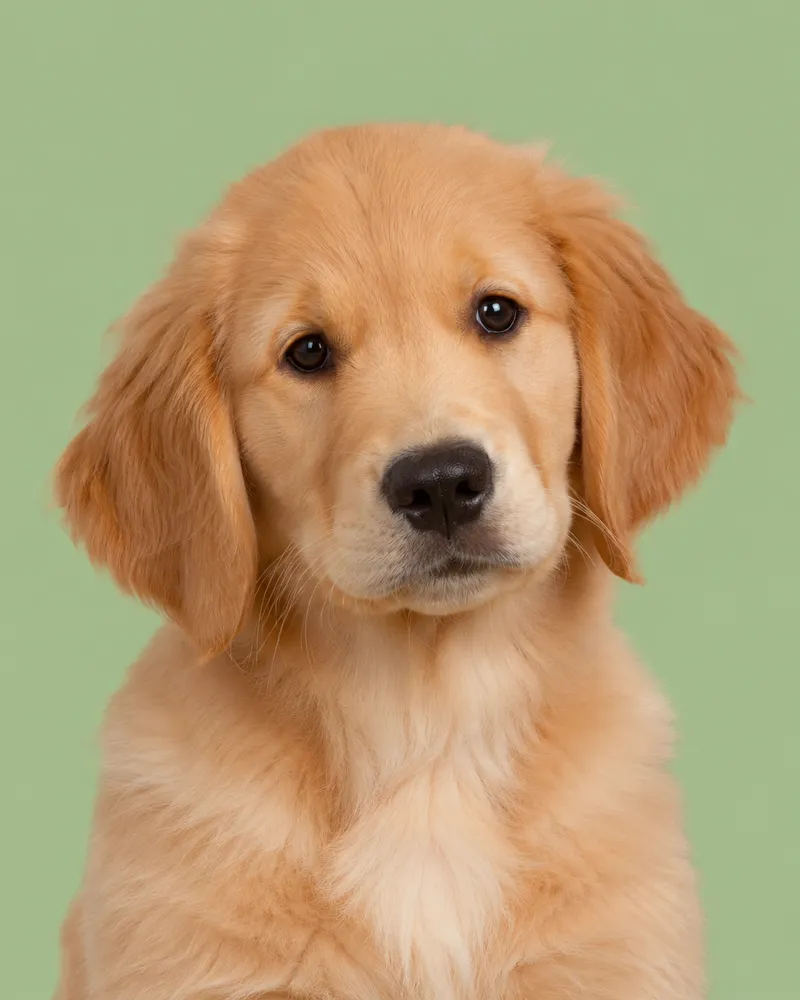
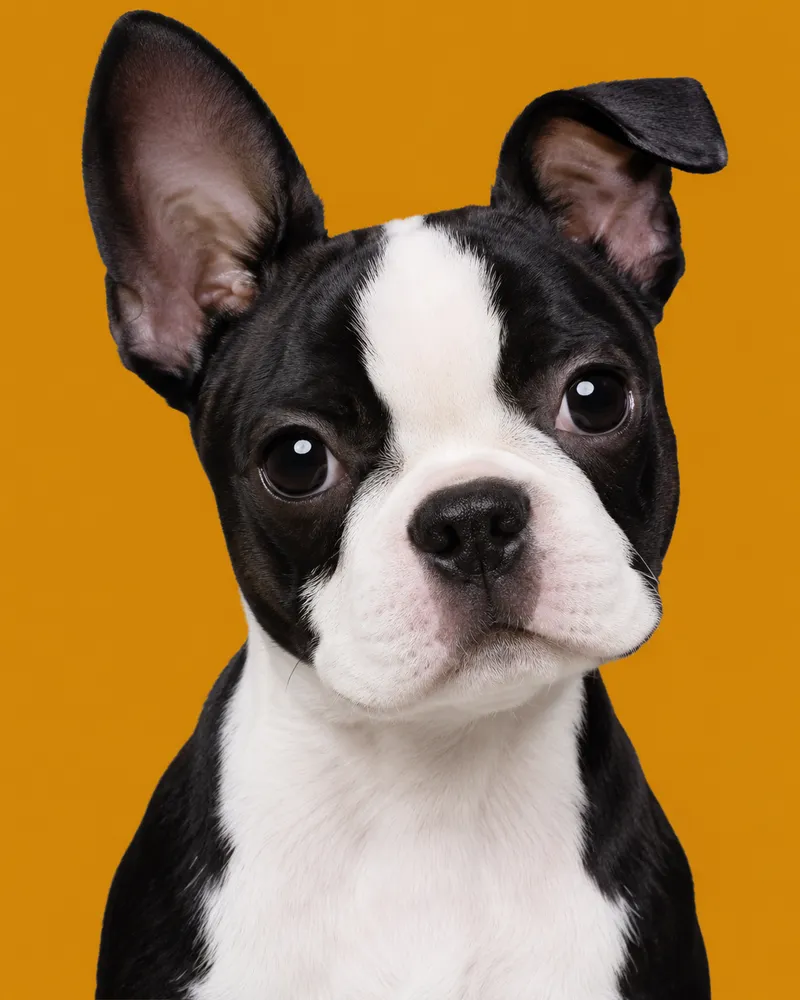
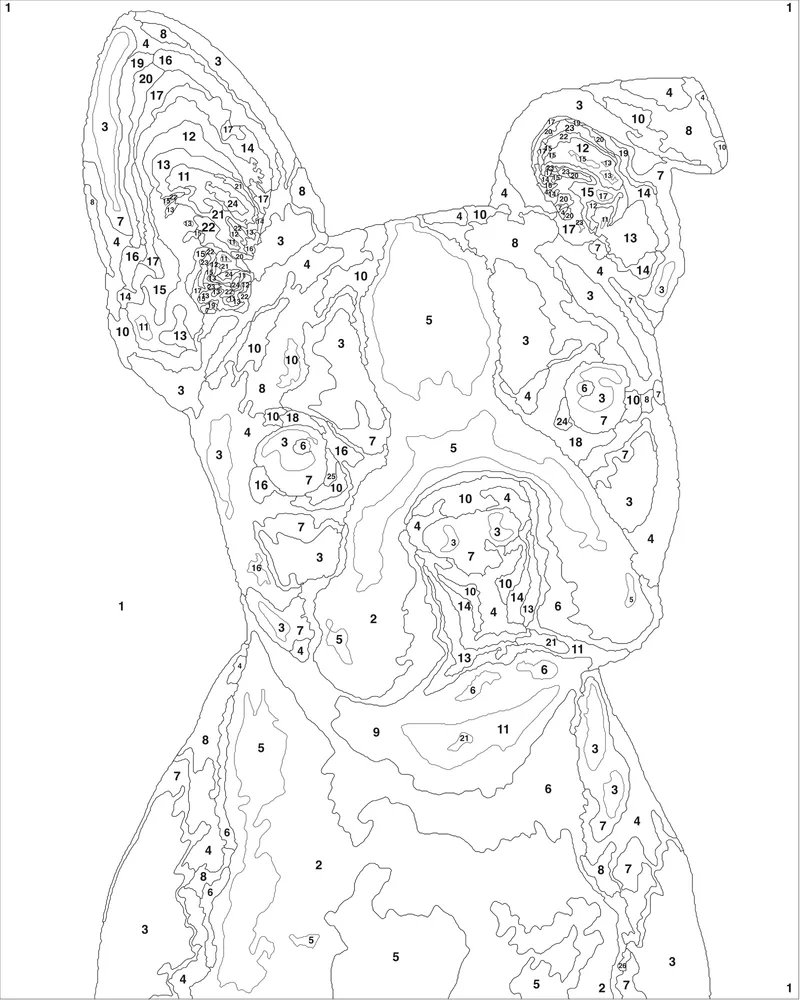
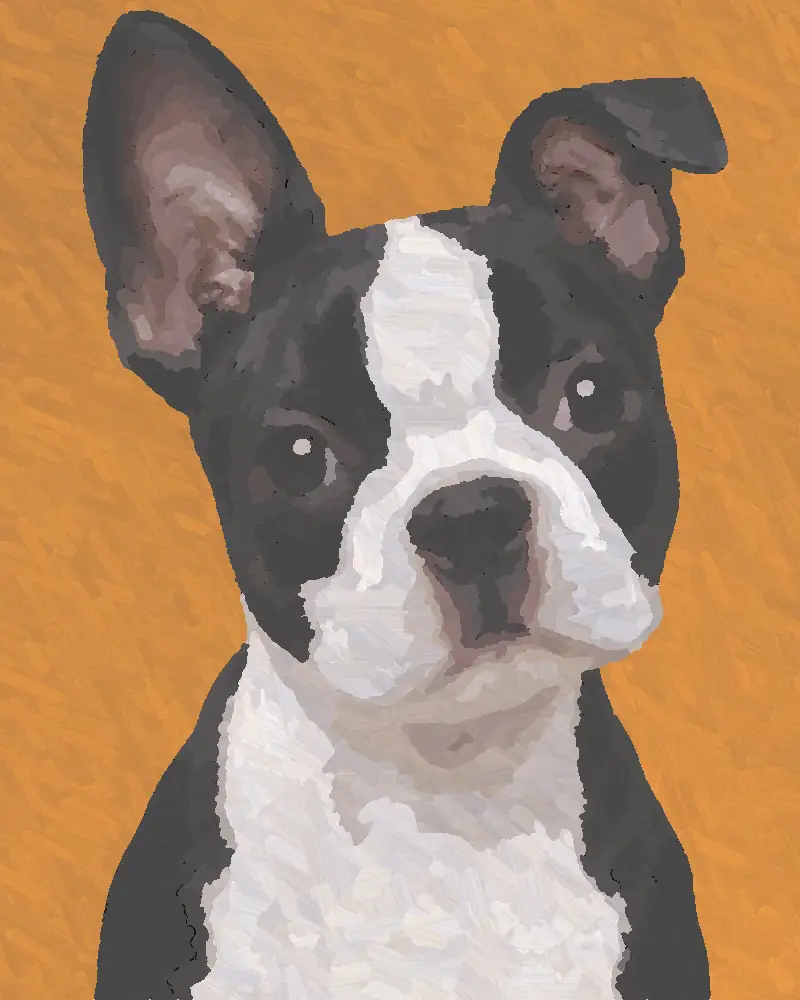
Terrier: Photo
A free alternative to custom pet kits
Custom pet paint by numbers kits are a lovely idea, but they usually cost $30 to $70, take a week or more to ship, and you often don't see the final template until it arrives. If you'd rather start today – or try a few different photos first – you can create the template yourself.
Paintoly turns your photo into color regions, numbers each one and builds a print-ready PDF with a matching color chart. It works for dogs and cats as well as horses, rabbits, guinea pigs, birds and just about any other pet.
Everything happens in your browser. Your photo is never uploaded to a server and never stored – so you can use as many pictures as you like.
Fur and feathers become colour fields
Eyes and nose stay detailed, the fur turns into paintable shapes. The motifs are sample pictures – the template comes straight out of our generator, untouched. The painted version shows exactly its colour areas in a simulated painting style.
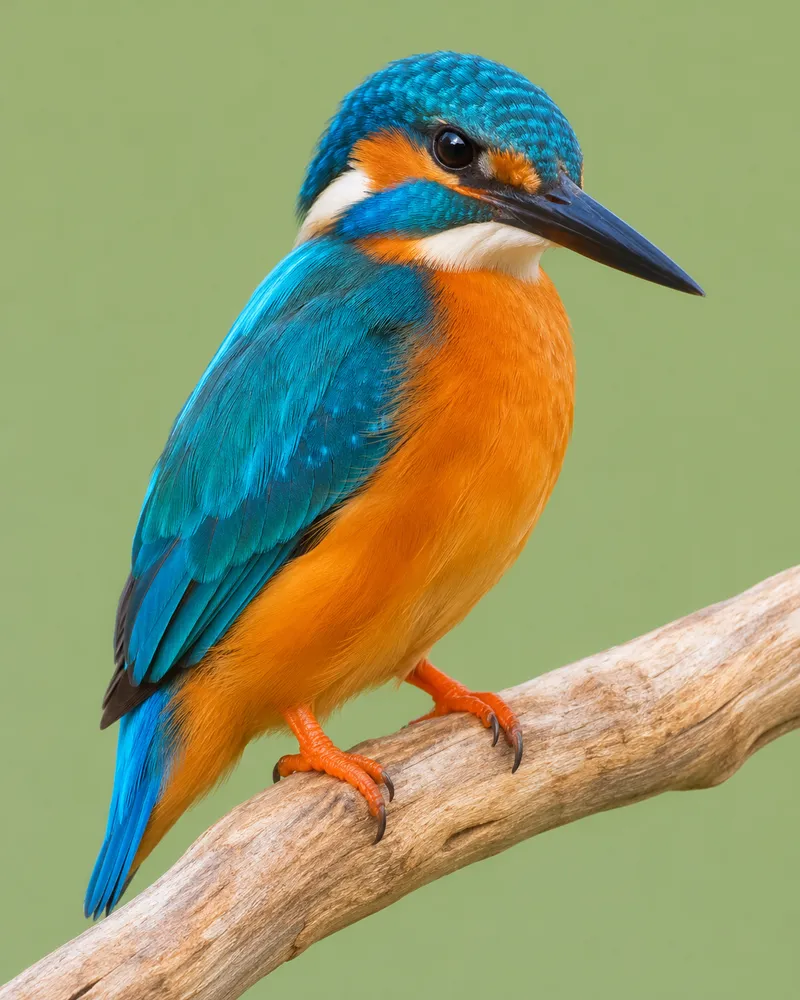
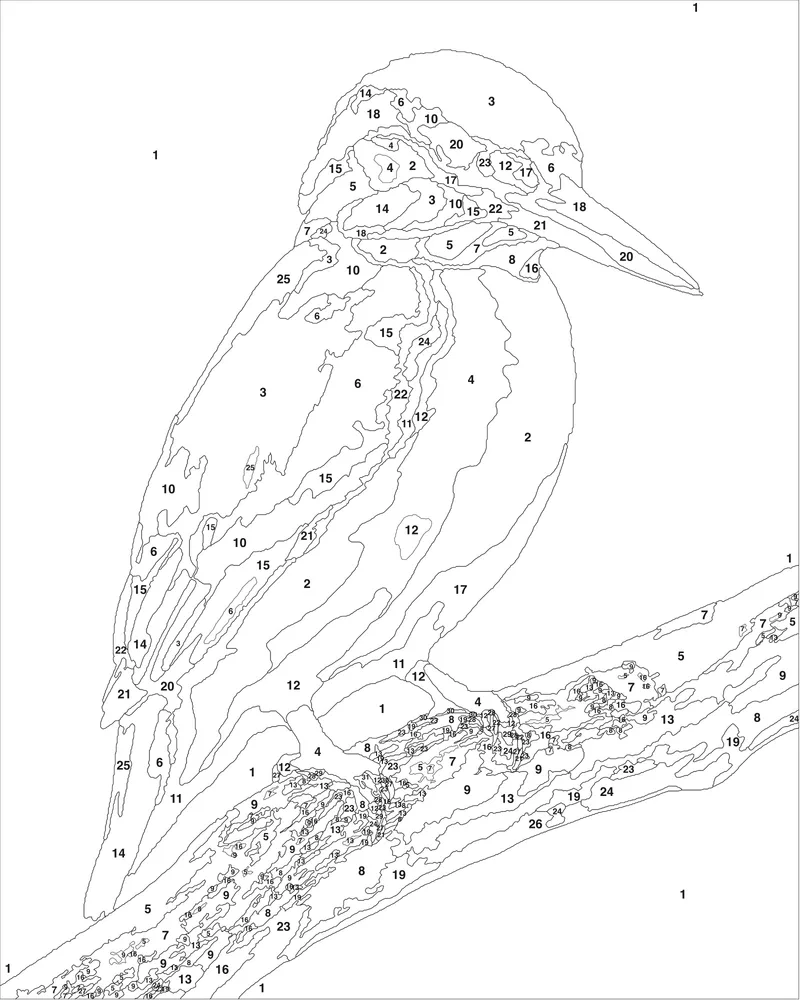
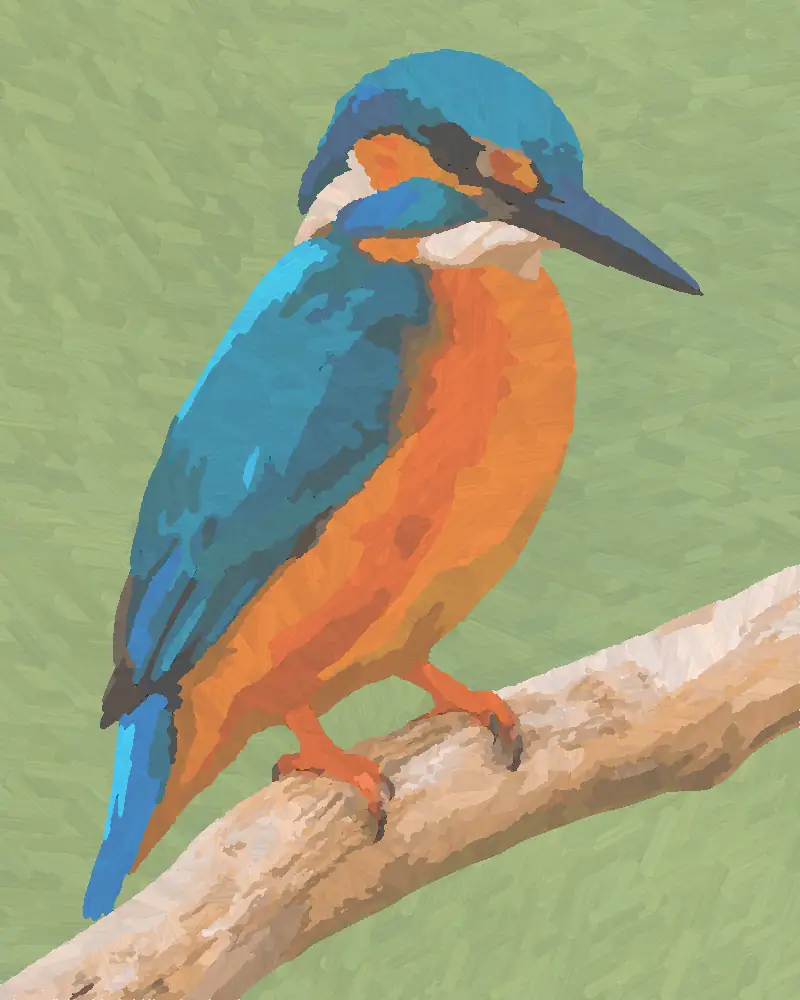
Kingfisher: Photo
Turn your pet photo into a template
Drop a photo of your dog, cat or horse here – you'll go straight to the generator to choose detail and print size.
Choose a photo or drag it here
Choose photoJPG, PNG, WebP, GIF, BMP, TIFF, HEIC, up to 16 MB. Your photo stays on your device.
How to take the perfect pet photo
The photo makes or breaks the template. These tips matter most with animals:
- Get down to eye level: Crouch or lie on the floor. Shots taken from above make pets look small and distorted.
- Keep the eyes sharp: They're the heart of any pet portrait. A slightly soft ear is fine; blurry eyes are not.
- Use soft daylight: Near a window or in open shade outdoors. Skip the flash – it causes glowing eyes and flat fur.
- Black fur: Add a bit more light than you think, so highlights and texture survive instead of turning into one dark blob.
- White fur: Avoid direct sun, which blows out the bright areas and erases detail.
- Calm background: A plain wall, lawn or blanket keeps the focus on your pet and avoids wasted color regions.
Pro tip: Hold a treat or make a squeaky noise just above the lens to get your pet looking straight into the camera.
How much detail for fur and eyes?
| Detail level | Result | Best for |
|---|---|---|
| Simple (up to about 12 colors) | bold, graphic shapes | kids, solid-colored pets, small prints |
| Medium (up to about 18 colors) | fur markings clearly visible | most dog and cat photos, A4–A3 |
| Detailed (up to about 24 colors) | fine fur texture and shading | tabby, calico, merle or long-haired pets, A2–A0 |
A black Lab needs fewer colors than a calico cat. Not sure? "Automatic" picks a level to suit your photo, and the generator chooses the colors itself. Try a few settings – the preview shows the difference. Drawings or cartoon versions of your pet usually only need "Simple" or "Medium".
A memorial for a pet you've lost
When a pet passes away, photos are often what's left. Many people find it comforting to paint their dog or cat slowly, one area at a time. The quiet, focused work leaves room for memories – and the finished painting can hang somewhere special.
Take your time choosing the photo. It's often not the sharpest shot but the one where your pet looks most like themselves. Older or slightly blurry pictures still work well with fewer colors.
Gift ideas for pet lovers
For dog owners
A favorite walk photo turned into a template, paired with acrylic paints and brushes – a thoughtful birthday or holiday gift.
For cat lovers
Their cat in its favorite sunny spot as a paint by number. On "Medium" the markings stay recognizable.
For horse fans
A portrait of their horse printed large (A2 or A1) makes a real statement piece.
For kids
The family pet on "Simple" with few colors and big areas – perfect for children from about five years old. More tips: paint by numbers for kids.
From PDF to paper or canvas
Pick a size
A4 or A3 for a home printer, A2 to A0 for a print shop. On bigger paper Paintoly works at a higher resolution, so you get more fur detail.
Print or transfer
Print on heavy paper (around 80–110 lb cardstock) or trace onto a primed canvas with transfer or graphite paper.
Start painting
Mix your colors using the chart and fill in area by area – working from dark to light is easiest.
Pet paint by numbers – FAQ
Any pet: dogs, cats, horses, rabbits, guinea pigs, birds or reptiles. What matters is a sharp photo and a pet that stands out from the background.
Yes. Shoot in bright, soft light so the highlights and texture in the fur show up. Choose "Detailed" and a larger print size to keep the shading in dark fur.
Yes. Create as many pet templates as you like and download them as PDFs – no account, no subscription, no watermark.
No. The conversion runs entirely in your browser. Your photo never leaves your device.
Yes, as long as each animal is clearly visible. For group photos, choose a larger size (A3 or bigger) and more detail so the pets don't blend into each other.
The PDF includes a color chart with every shade in the template. With acrylics in white, black, brown, yellow ochre and the primary colors you can mix most fur tones.
Your pet, your painting
Create a personal dog or cat paint by numbers in seconds – free and without signing up.