Paint by Numbers from Photofree, no kit required
Turn any photo into paint by numbers in seconds. Upload your picture, choose how detailed it should be and download a print-ready PDF with numbered areas and a matching color chart. No order, no shipping, no cost.
No account · Your photo stays on your device · PDF from A4 to A0 · free
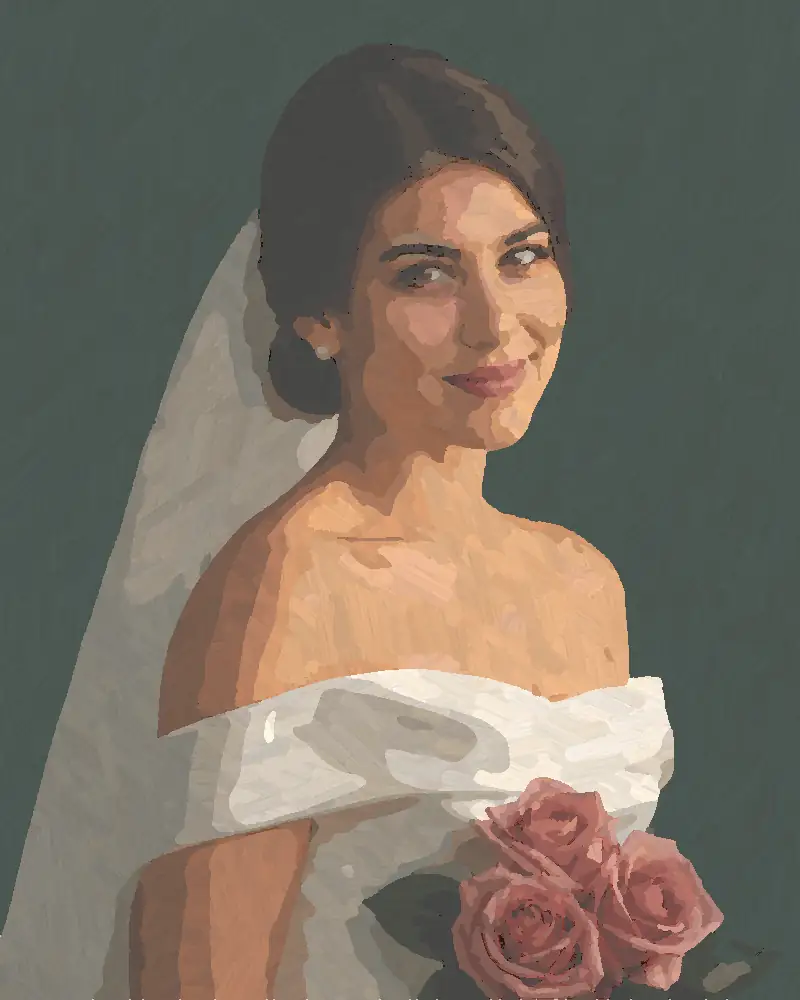
Portrait: Photo
A free alternative to custom paint by numbers kits
Search for custom paint by numbers and you'll find dozens of shops that print your photo onto a canvas and mail it to you. It's convenient, but a personalised kit typically costs $30–60, takes one to two weeks to arrive, and you often don't see the final template until it's on your doorstep.
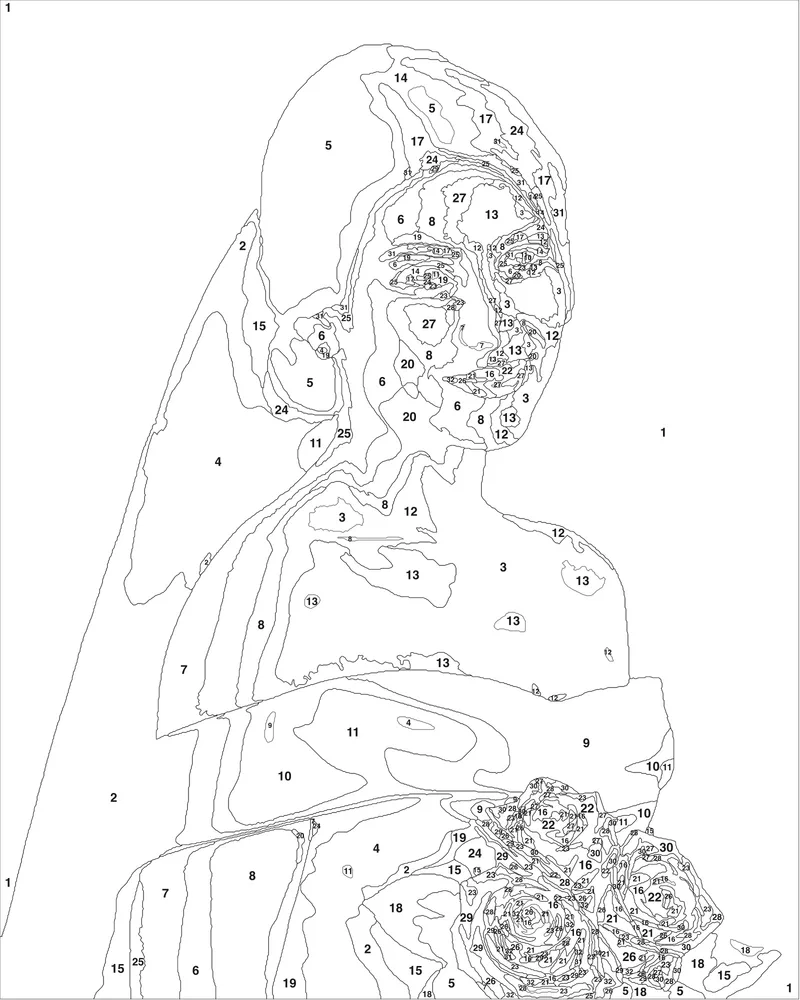
Paintoly lets you make your own paint by number template instantly. The generator splits your picture into color areas, numbers each one and creates a printable PDF with a color key. Faces and hands are spotted automatically and get finer areas, so eyes and smiles stay recognizable. You see a live preview in your browser and can try another level of detail or print size until the result looks right.
Everything runs locally in your browser. Your photo is never uploaded to a server — which matters when you're working with family photos, pictures of your kids or your wedding album.
This is what your photo turns into
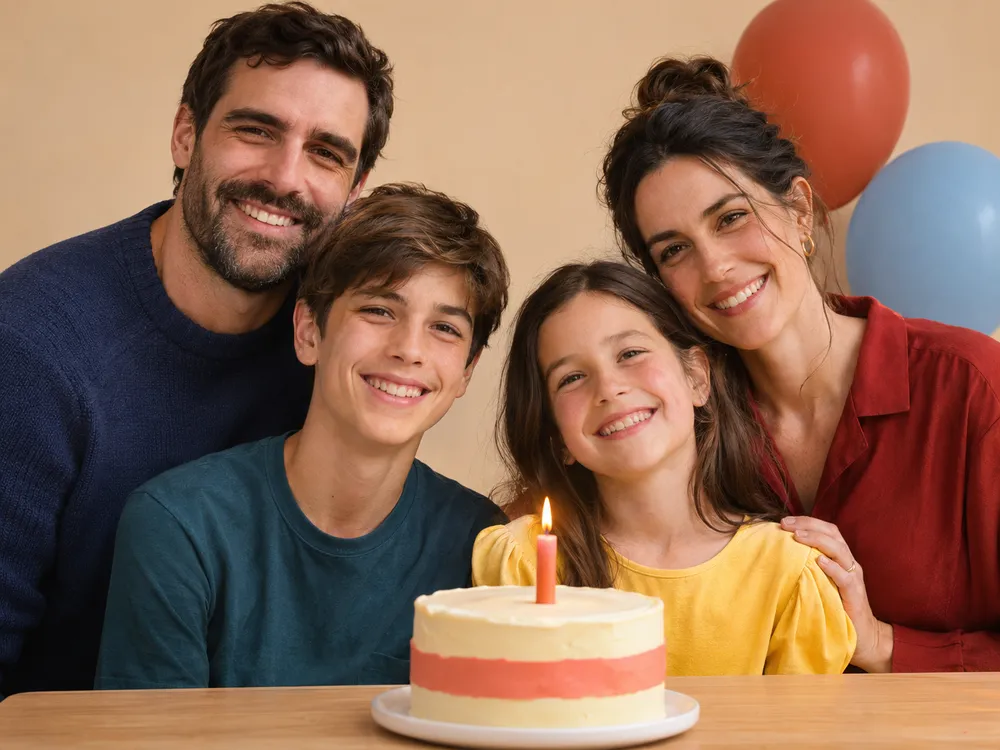
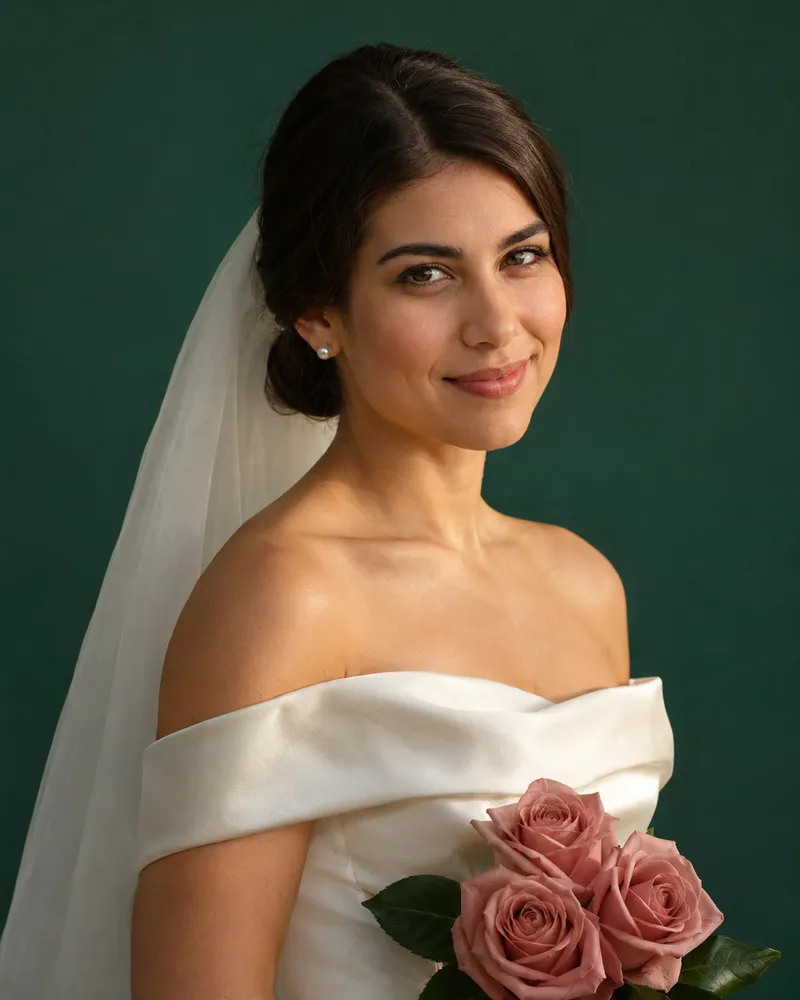
Wedding, birthday or your pet: faces automatically get finer regions. The motifs are sample pictures – the template comes straight out of our generator, untouched. The painted version shows exactly its colour areas in a simulated painting style.
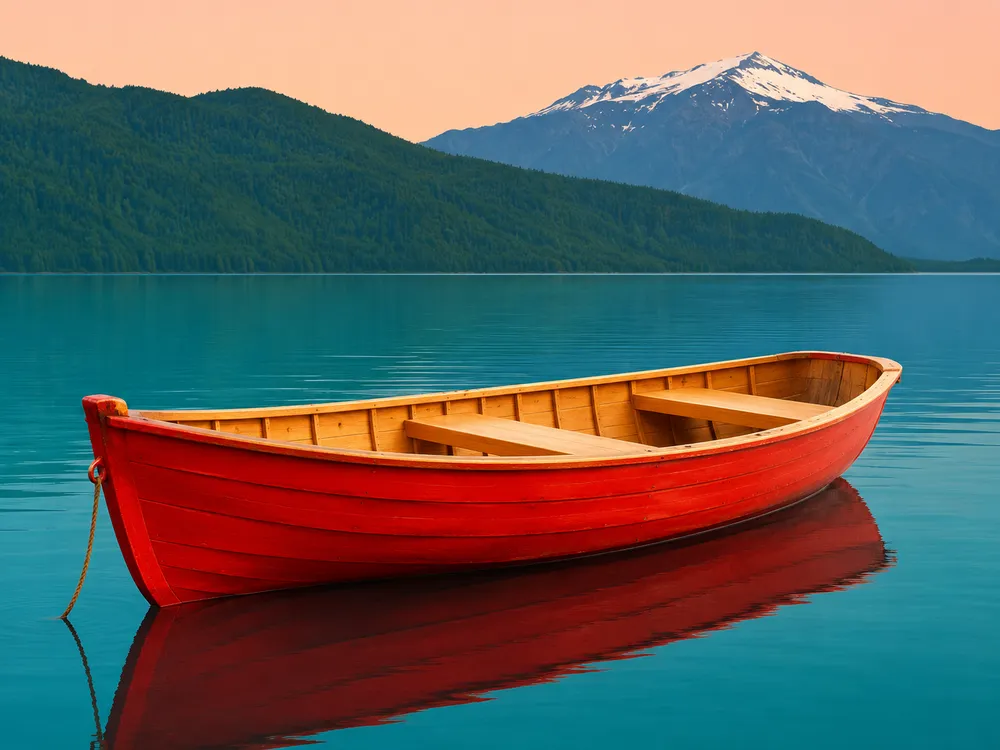
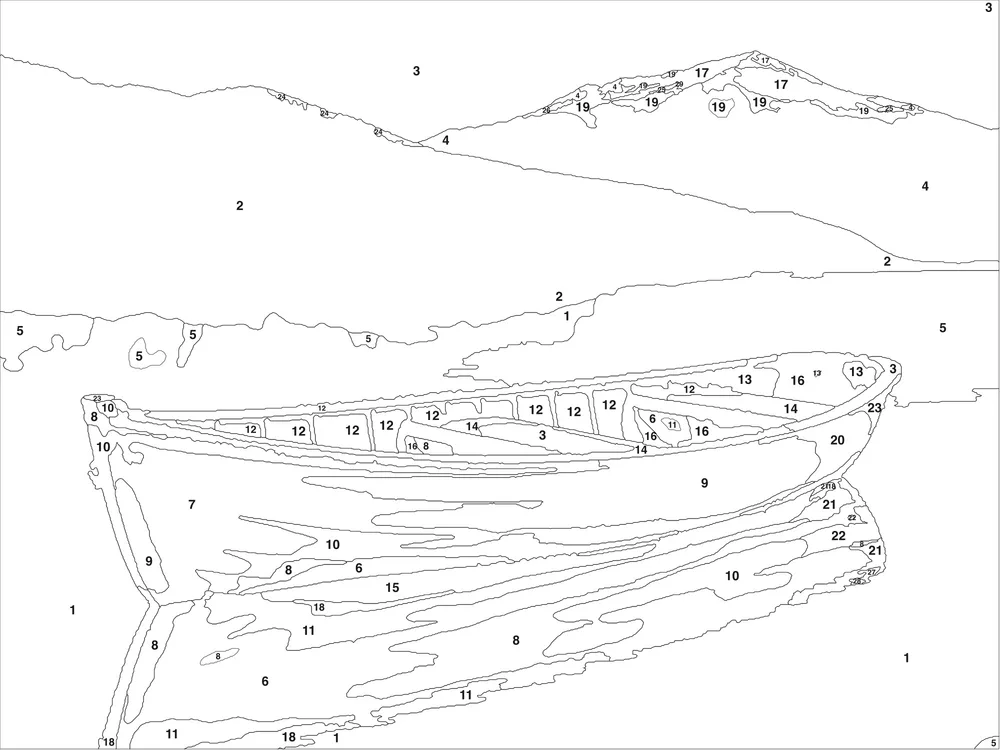
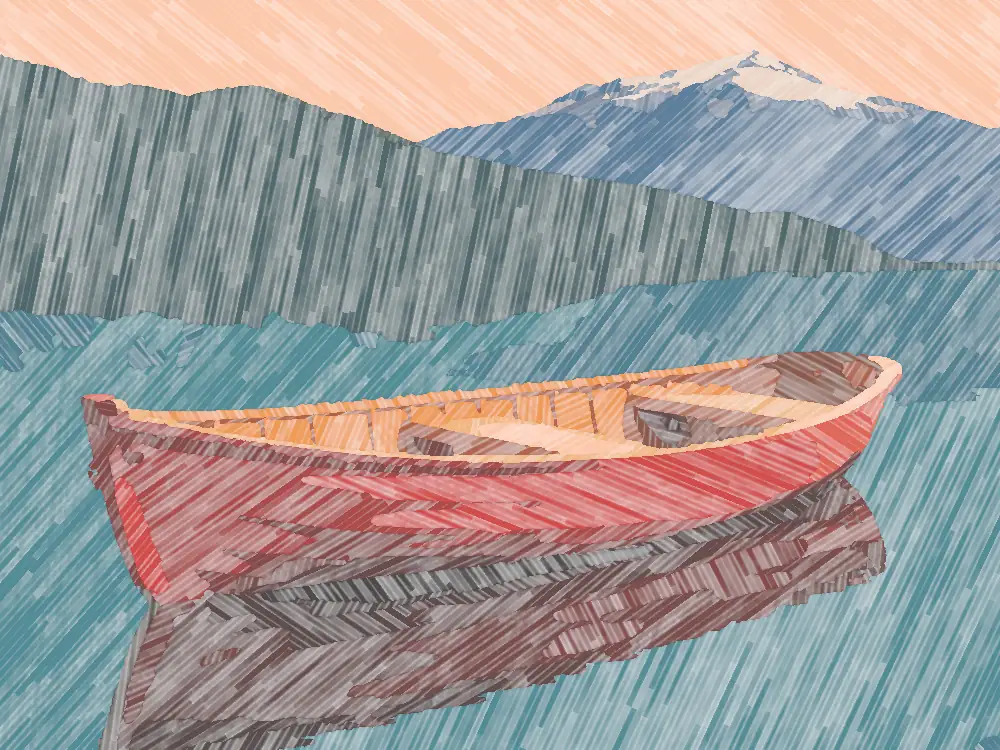
Boat: Photo
Turn your photo into paint by numbers now
Drop your picture here — you'll go straight to the generator to choose detail and print size.
Choose a photo or drag it here
Choose photoJPG, PNG, WebP, GIF, BMP, TIFF, HEIC, up to 16 MB. Your photo stays on your device.
How to turn a photo into paint by numbers
Choose a photo
Drag and drop a JPG, PNG, WebP, HEIC or other image up to 16 MB. A sharp picture with good light and a clear subject works best.
Pick detail and size
Automatic, Simple, Medium or Detailed – the generator picks the colors to match. Leave Faces & fine details on for portraits and choose a print size from A4 to A0.
Download the PDF
Get your template with numbers, enlarged detail pages for faces and a color chart in A4, A3, A2, A1 or A0 — ready for your printer, a print shop or canvas.
DIY template vs. custom kit: an honest comparison
Both options have their place. Here's how they stack up:
| Paintoly (DIY) | Custom kit (shop) | |
|---|---|---|
| Price | free — you only pay for printing and paint | typically $30–60, more for large sizes |
| Wait time | instant | several days to two weeks shipping |
| Preview | live, adjust as often as you like | often only after ordering |
| Paints | your own, mix freely | matching paints included |
| Surface | paper, card stock or transferred to canvas | pre-printed canvas, sometimes framed |
| Privacy | photo never leaves your device | photo is sent to the vendor |
In short: if you want a ready-to-ship gift box, a kit is a fine choice. If you'd rather try several pictures, start right away or spend the money on good brushes and acrylics instead, making your own paint by number template is the way to go.
Which pictures work best?
Almost any picture can become paint by number art, but some convert much better than others:
- Even lighting: daylight without harsh shadows gives clean color areas.
- One clear subject: portraits, pets, a house or a single flower work better than busy group shots.
- A calm background: a blurred or plain background keeps the focus on your subject.
- Enough resolution: modern phone photos are plenty. Small images saved from messaging apps lose detail.
- Good contrast: clear light and dark areas make the template easier to paint.
Cartoons, logos and children's drawings work too. Flat pictures usually only need "Simple" or "Medium".
How detailed should it be?
| Level | Result | Best for |
|---|---|---|
| Simple | large areas, up to about 12 colors | kids, beginners, small prints (A4) |
| Medium | good balance, up to about 18 colors | most photos, portraits, pets |
| Detailed | lots of fine areas, up to about 24 colors | experienced painters, large formats (A2–A0) |
Not sure? "Automatic" picks a level to suit your photo. Rule of thumb: the bigger you print, the more detail fits – Paintoly works at a higher resolution for A2 to A0, so a poster can be much finer than a single sheet. In expert mode you can also set detail levels 1–5 and cap the colors at 8 to 30.
From PDF to paper or canvas
Print at home
Print A4 on heavier paper (120–200 gsm). In the US, A4 prints fine on Letter paper with "fit to page". Colored pencils work on regular paper; for acrylics or watercolors, use card stock.
Use a print shop
Any print shop can handle large formats up to A0. Ask for thick matte paper — glossy photo paper doesn't take paint well.
Transfer to canvas
Print the template at full size, trace it onto a primed canvas with graphite or transfer paper, and pencil in the numbers lightly.
A personal gift people actually keep
Birthdays
Their favorite photo as a template, plus a set of acrylics and brushes — about as personal as a gift gets.
Weddings & anniversaries
Turn the wedding photo into a shared painting project that ends up on the wall.
Pets
Your dog, cat or horse as paint by numbers. See our pet page for tips on fur and eyes.
Grandparents
A family photo as a relaxing project — on "Simple" and printed large it's easy on older eyes and hands, and the faces stay recognizable.
Paint by numbers from photo: FAQ
Yes. You can create as many paint by numbers templates from your own photos as you like and download them as PDFs — no account, no subscription, no watermark. You only pay for printing and paint.
No. The conversion happens entirely in your browser. Your photo is never sent to a server or saved.
The PDF includes a color chart with every shade in your template. Mix them from acrylics or pick matching colored pencils or markers. Primary colors plus black and white are enough to get started.
Yes. Print the template at the size you want (up to A0) and transfer it onto a primed canvas with transfer or graphite paper. Many print shops can also print the PDF directly onto canvas.
A kit ships a pre-printed canvas and paints for a fee. With Paintoly you get the same kind of numbered template and color chart instantly and for free, and you choose your own paper, canvas and paints.
Yes, modern phone cameras have more than enough resolution. Look for good light and a sharp subject. Heavily compressed images from messaging apps lose detail.
That's what the "Faces & fine details" switch is for. Paintoly spots faces and hands automatically and gives eyes, mouths and fingers smaller areas. The PDF adds enlarged detail pages for these spots with every number on them, so nothing gets lost in the small regions.
Your picture, your paint by numbers
Get a personal paint by number template in seconds — free and without signing up.