Paint by Numbers for Seniorslarge areas, personal photos
A calm, creative activity for older adults: turn a family photo, a favorite garden or a beloved pet into a paint by numbers template with large areas and just a few colors. Free to download and print.
No account · Your photo stays on your device · Large prints up to A0 · Free
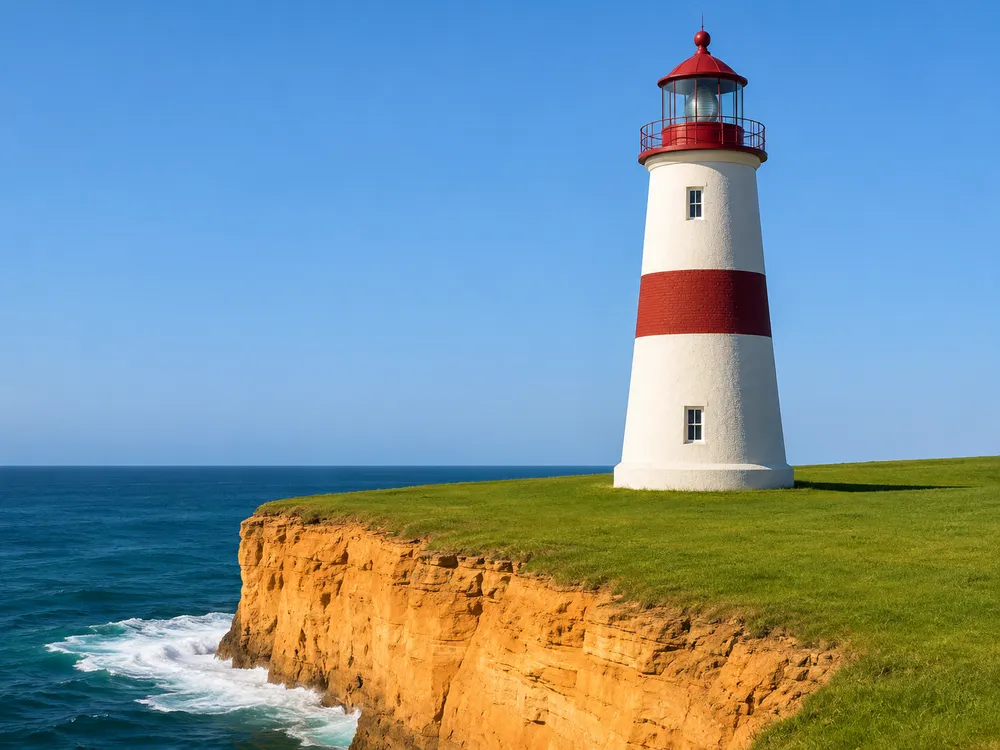
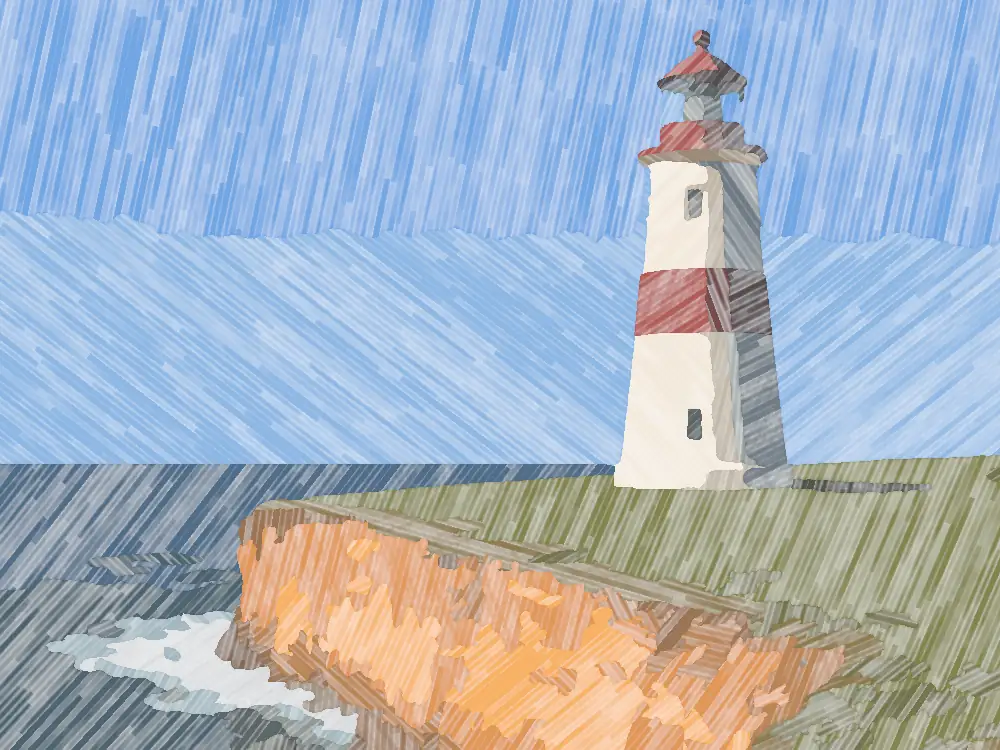
Lighthouse: Photo
Why paint by numbers works so well for seniors
Paint by numbers needs no artistic experience and no courage to face a blank page. Every area has a number, every number has a color, and you can stop at any point and pick it up again the next day. That makes it one of the most popular activities for seniors, at home as well as in care homes, assisted living and adult day programs.
Store-bought kits and coloring books often have tiny spaces and generic motifs nobody feels connected to. With Paintoly you make the template yourself: from a photo that means something, with as few colors and as large areas as the person needs.
For a quick session without a photo, the coloring page generator makes printable coloring pages with large areas, with numbers and a color key if you like. Calm motifs like landscapes and Japanese patterns are ready to print among the paint by numbers templates.
Clear structure
One area at a time – manageable steps, visible progress and a finished picture at the end.
No time pressure
There is no right or wrong. A template can be completed over many short sessions.
Meaningful motifs
Family photos, a childhood home or a long-loved pet give every brushstroke a personal story.
Calm pictures with clear shapes
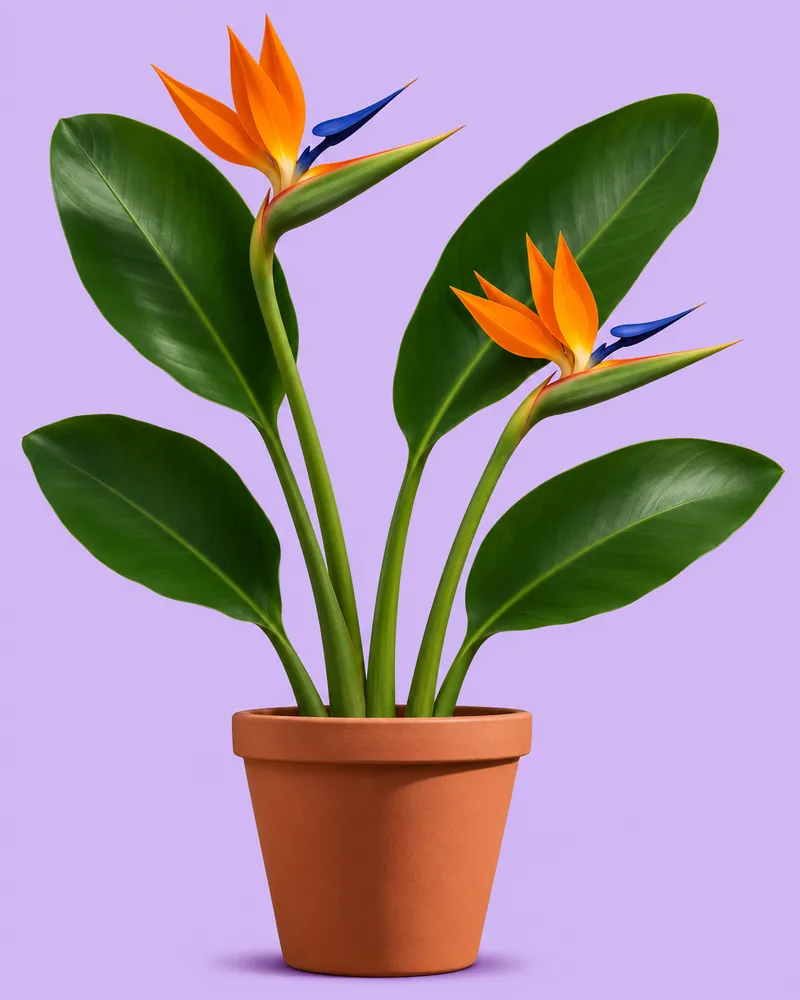
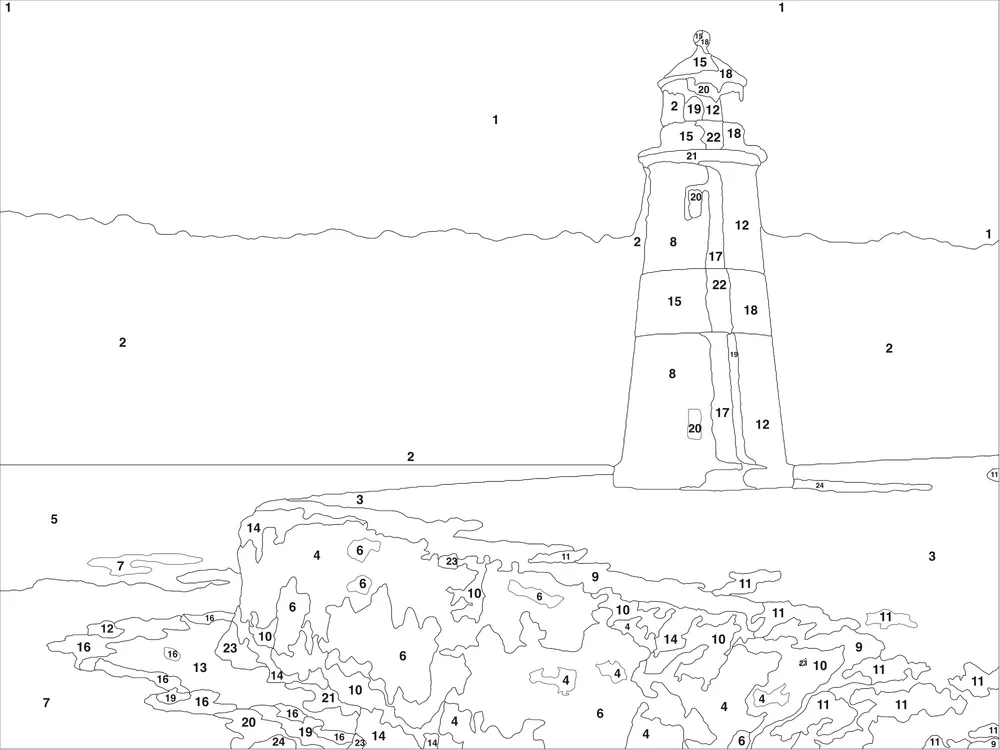
Lighthouse, mountain lake or flowers: easy-to-see shapes, relaxing to paint. The motifs are sample pictures – the template comes straight out of our generator, untouched. The painted version shows exactly its colour areas in a simulated painting style.
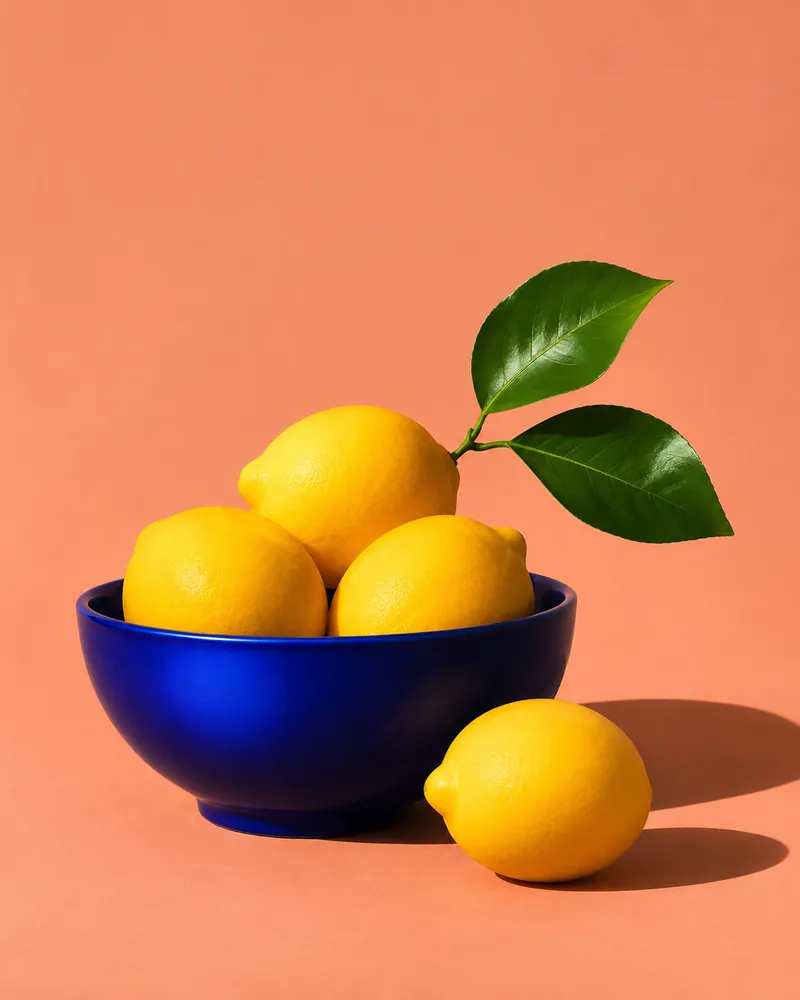
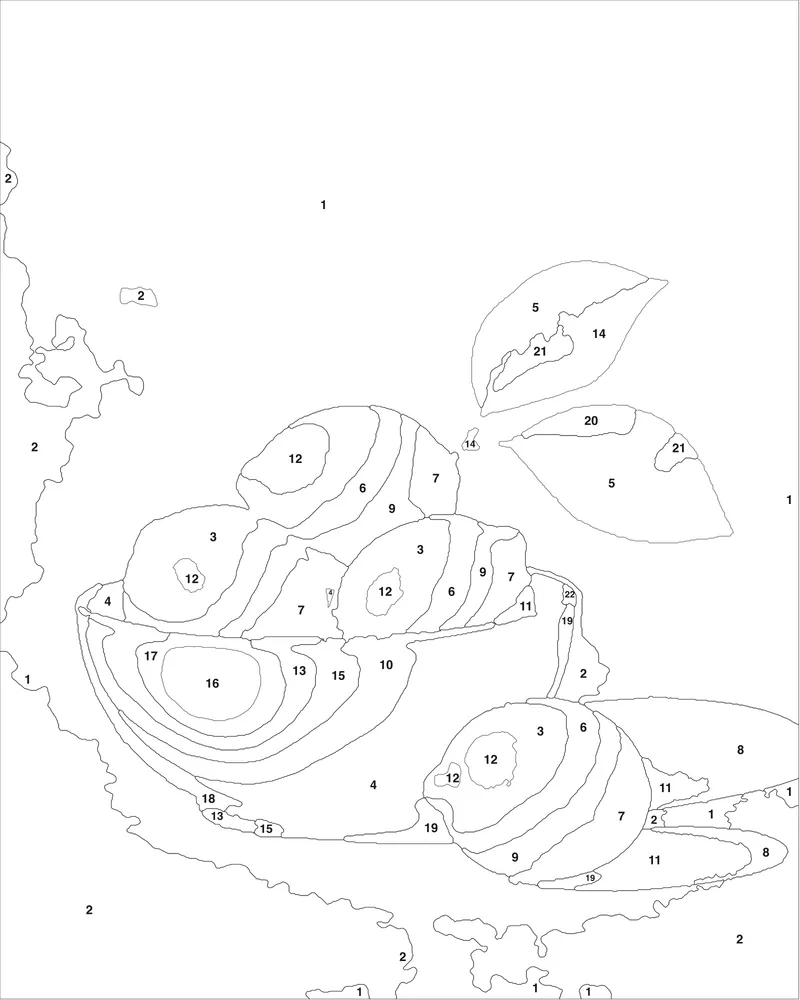
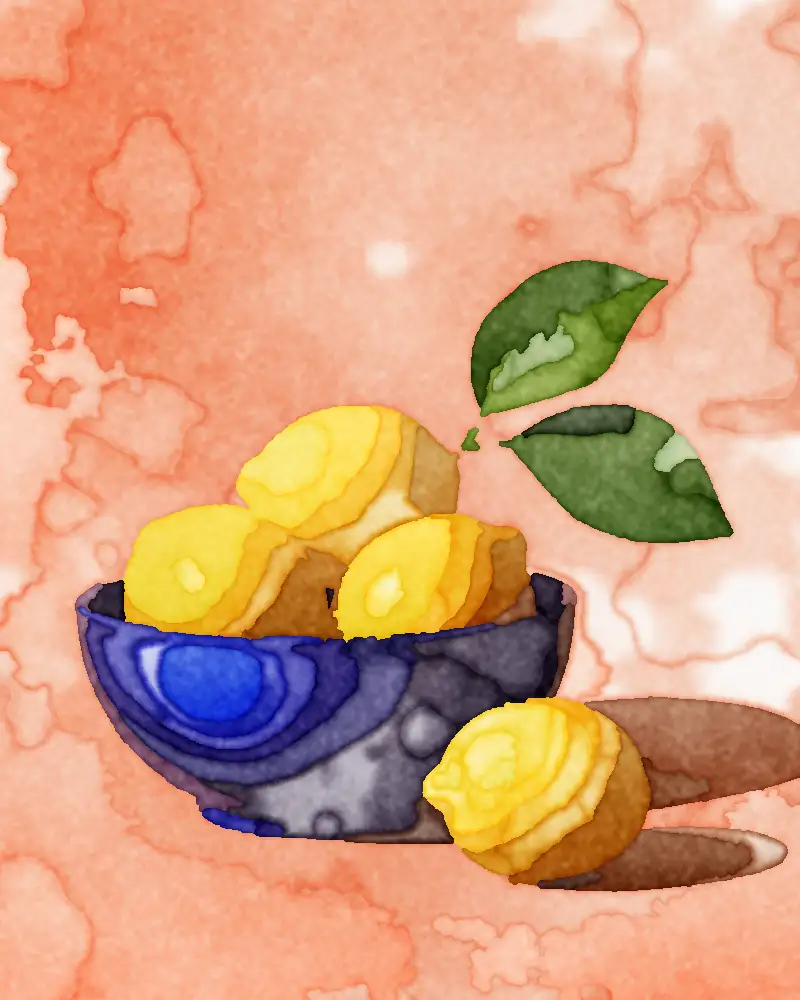
Lemons: Photo
Create a template for seniors now
Drop a photo here – you’ll go straight to the generator to choose detail and print size.
Choose a photo or drag it here
Choose photoJPG, PNG, WebP, GIF, BMP, TIFF, HEIC, up to 16 MB. Your photo stays on your device.
Large-area templates: settings that make it easier
Tiny spaces and hard-to-read numbers are the main reasons paint by numbers becomes frustrating. These settings give you large, easy-to-see areas:
- Choose “Simple” (or detail level 1 in expert mode): it produces big, connected areas and only a few colors. The generator picks the colors for you.
- Print bigger: create the template at A4 and print the PDF enlarged to A3 or A2 – every area grows with it. If you choose A3 or A2 in the generator instead, Paintoly uses the extra space for more detail.
- Keep the motif simple: one face, one animal, a house or a flower works better than a busy group photo. With “Faces & fine details” switched on, familiar faces stay recognizable.
- Pick high-contrast photos: clear light and dark parts create more distinct areas.
- Drawings and clip art work too – their flat colors turn into especially clear areas.
The live preview shows the result right away. If the areas still look too small, pick “Simple” or switch off “Faces & fine details” and tap “Create again”, then print the A4 PDF on bigger paper.
Choosing the right template: a quick guide
A starting point for family members, activity coordinators and care staff:
| Setting | Detail level | Print size | Supplies |
|---|---|---|---|
| First try or limited fine motor skills | Simple or expert level 1 | created at A4, printed at A3 or A2 | chunky colored pencils, felt-tip markers |
| Regular painting session, steady hands | Simple or Medium | created at A4, printed at A3 | colored pencils, acrylic paint |
| Group activity in a care home | Simple | A2 or A1, painted together | markers, acrylic paint |
| Experienced hobby painters | Medium or Detailed | A3 to A2 | acrylic paint, fine brushes |
Start simple and add more detail next time. A quick sense of achievement is far more motivating than a picture that is only half done after two hours.
Family photos that spark conversation
A familiar picture invites stories: a wedding photo from decades ago, the old backyard, a first car or the grandchildren at the beach. Painting it together often turns into a conversation about the past – a lovely way for relatives to spend a visit doing something side by side.
For people living with dementia, paint by numbers can be a calm, structured activity. Whether it suits someone is very individual, so talk to the care team who know the person well, and watch for signs of frustration. Fewer colors, a larger print or simply a break usually help.
For family members
Snap a picture of an old print or scan it, print the template and start painting together on your next visit. Faces are detected automatically, so grandchildren stay recognizable.
For activity coordinators
Use motifs from residents’ life stories – they create personal connections and natural talking points.
Printing and supplies for easy reading
Heavy paper
Paper of 120–200 gsm (about 32–75 lb) won’t curl and handles markers and acrylic paint. Matte paper is easier to read than glossy.
Best print quality
Select the highest print quality so lines and numbers come out crisp and dark. Any print shop can handle large sizes up to A0.
Easy-grip tools
Chunky colored pencils or broad-tip markers are comfortable to hold. Confident painters can switch to acrylics with medium brushes.
Good lighting at the table, a non-slip mat and the printed color chart right next to the template make a real difference. Coloring in the swatches on the chart first makes matching numbers to colors much easier.
How to create your template
Choose a photo
Upload a JPG, PNG, WebP, HEIC or other image up to 16 MB. The photo is processed in your browser only and never sent to a server.
Choose “Simple”
Large areas and few colors. The preview shows how big the spaces will be.
Download and print large
Keep A4 as the size and print the PDF enlarged to A3 or A2. You get numbered areas, a color key on every page and a color chart – free and without watermarks.
Paint by numbers for seniors: frequently asked questions
Choose “Simple” (or detail level 1 in expert mode), create the template at A4 and print the PDF enlarged to A3 or A2 – every area grows with it. Choosing A3 or A2 in the generator would add more detail instead. Simple motifs with good contrast also create larger areas. If faces aren’t important, switching off “Faces & fine details” makes those spots coarser, too.
It can be a calm, structured activity, but every person is different. Talk to the care team first and start with a very simple template with only a few colors.
Yes. Take a picture of the print in good daylight or scan it, then upload the file. For a template with few colors, a phone photo is more than enough.
Chunky colored pencils or broad-tip markers are best for getting started. If someone enjoys brushwork, acrylic paints work well – the color chart in the PDF helps match each number.
Yes. Everyone can get their own template, or a large A1 template can be painted as a group. Templates are free and can be created as often as you like without an account.
Nothing. You can create as many templates as you like and download them as PDFs – no sign-up, no subscription, no watermark.
One photo, many memories
Create a personal large-area template in minutes – free and without signing up.